
Our services in the UK including the issuance of electronic money and the provision of payment services are suspended with immediate effect until further notice.

picture

Fast and Simple way to make PAYMENTS

Add Paywiser cards to Google WalletTM

picture

Features

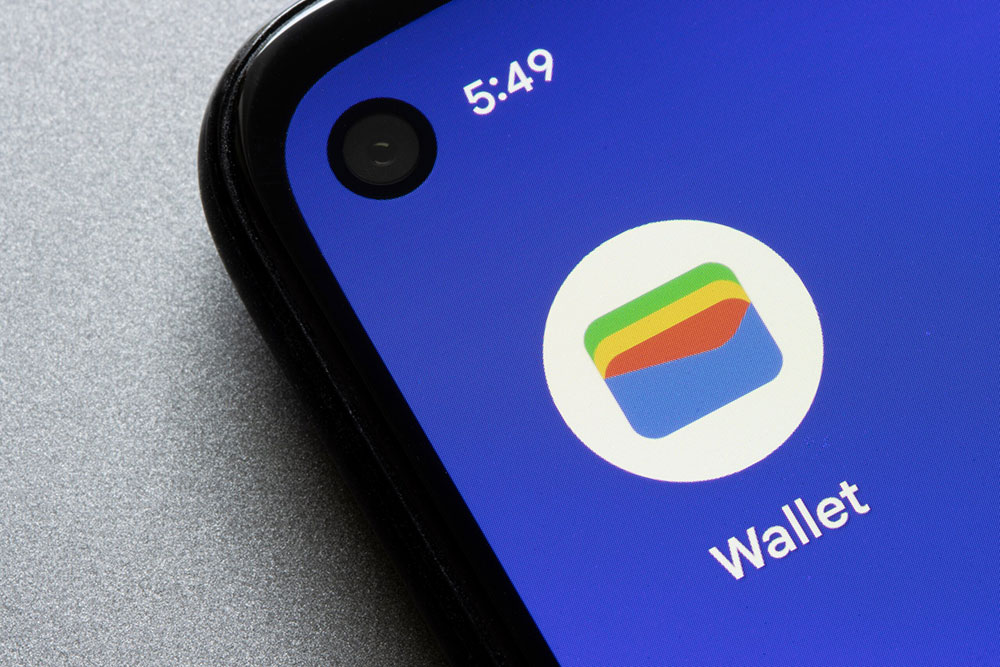
picture fo Google Wallet app
icon

All Access across Android Devices

Quick access to your essentials. Get to it faster with Google Wallet.
You’ve got quick, easy options for accessing Wallet.

icon
picture of pay by Paywiser and Google Pay
icon

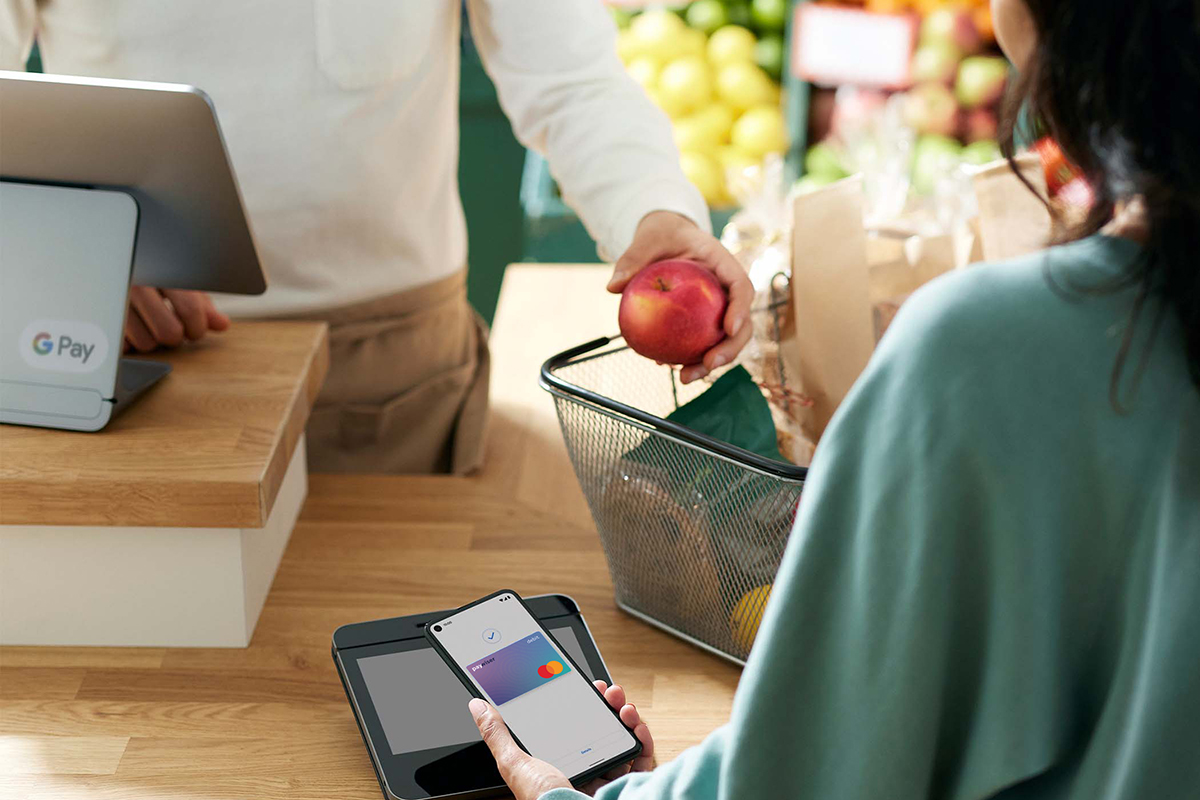
Tap to pay
With Google PayTM

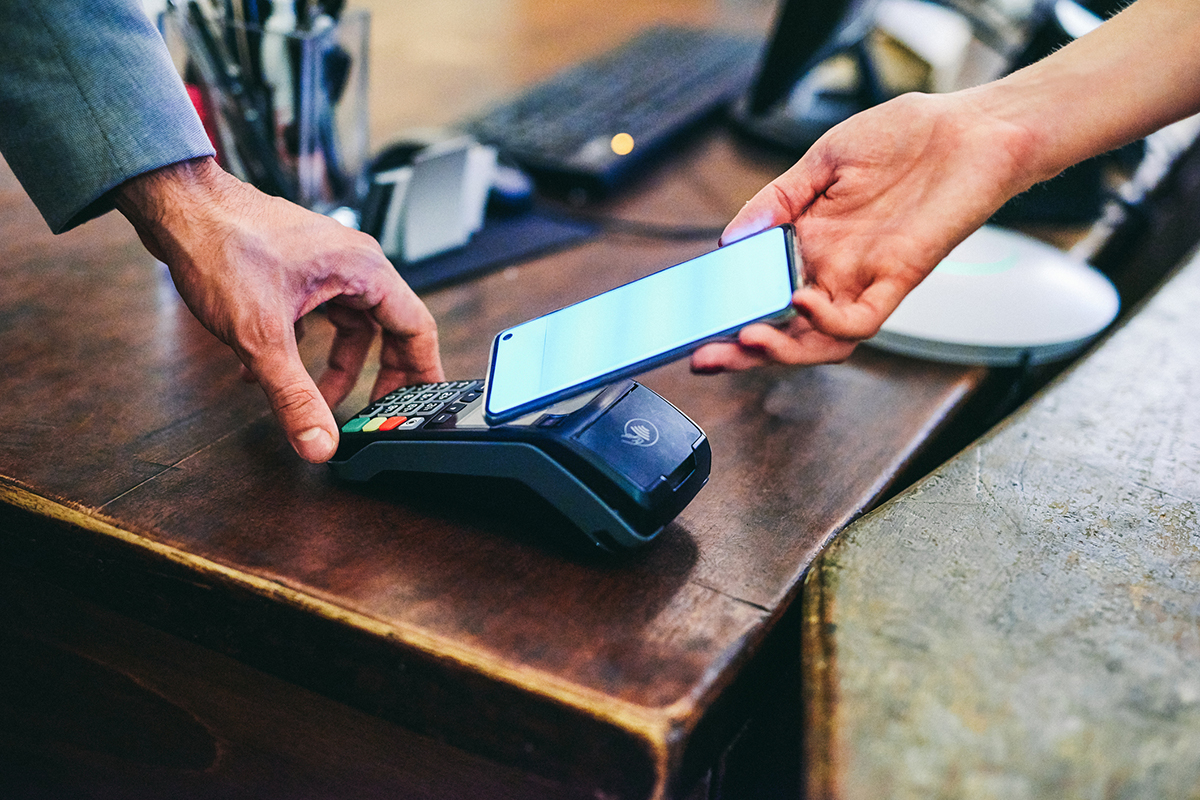
Tap to pay makes checkout effortless. Enjoy convenient and secure checkout with your phone everywhere Google Pay is accepted.

icon
picture of pay by Paywiser and Google Pay
picture of security payment
icon

Secure Payment and ALL PROTECTED

Tap to pay uses encrypted payment codes to hide your real card number.

Where to Use?

picture of tap and go using
icon

In-store Payment

Make in-store purchases at the millions of retailers where Google Pay is accepted. Simply tap and go using your phone anywhere you can see one of these symbols at checkout.


icon
picture of tap and go using
picture of pay with Google Pay anywhere online
icon

Online Payment

You can also pay with Google Pay anywhere online or in your favorite
shopping apps where the ‘Pay with Google Pay‘ button is displayed.

icon

How to Add Card?

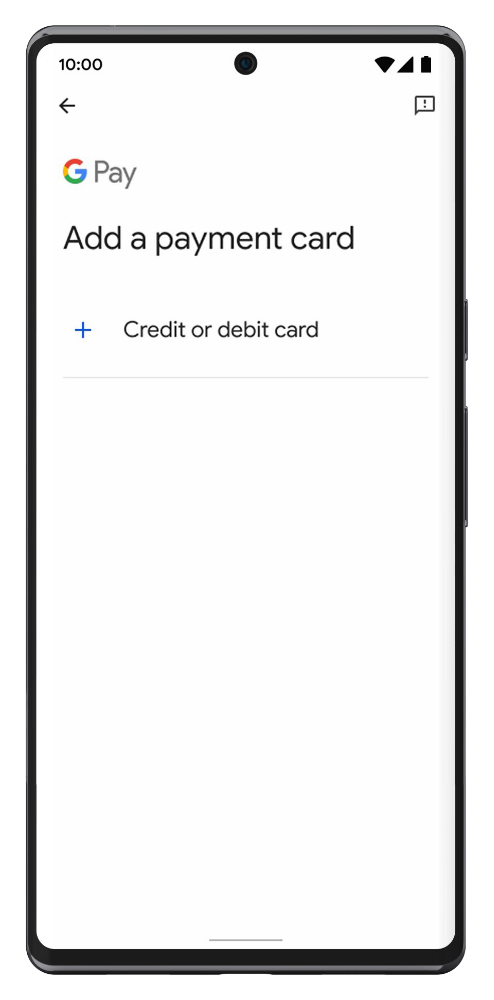
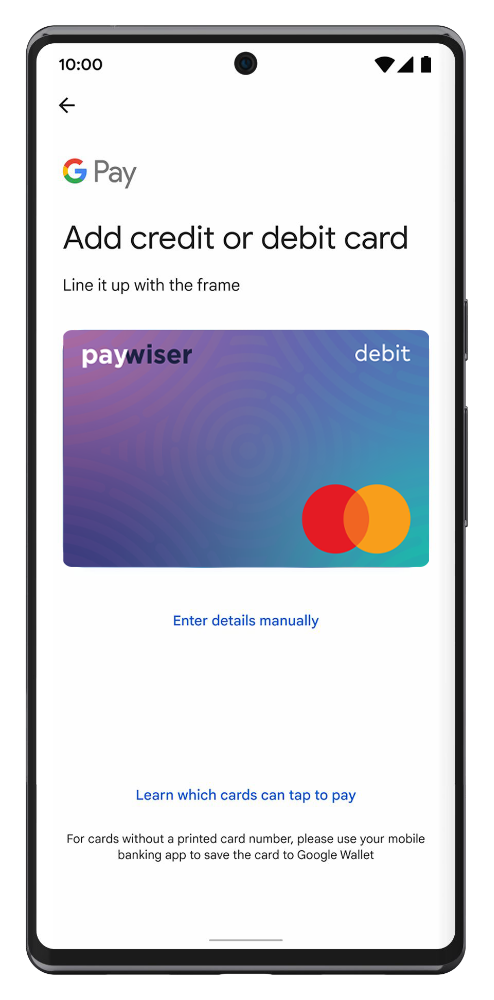
Add Paywiser cards to your Google Wallet

picture of open the Google Wallet app

1

Open the Google Wallet app or download it on Google Play
icon

icon

picture of add card to wallet app

2

Tap ‘Add to Wallet’ and follow the instructions
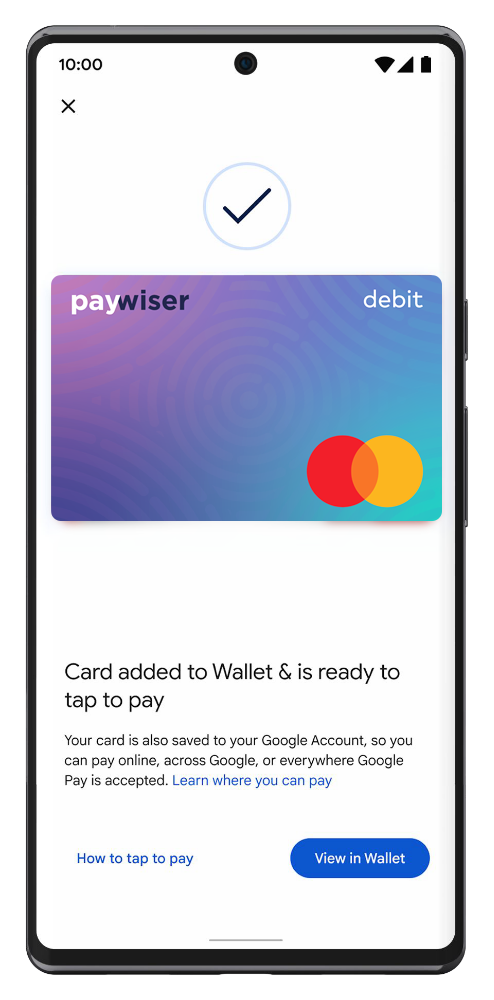
picture of verification process

3

Verify your card if needed, Set Paywiser card as a default card. Then you’re ready to go!

FAQs

Google Wallet is a digital wallet that allows you to securely store your cards, tickets, passes, keys, and IDs.

Download Google Wallet on your Android device from the Google Play Store.

You can use Google Wallet to tap and pay everywhere Google Pay is accepted. Just look for the GPay or contactless symbol at checkout.

Security and privacy are built into every part of Google Wallet to keep all your essentials protected. When you tap to pay with your Android phone, Google Pay doesn’t share your real credit card number with the business, so your payment info stays safe.

No, transactions are processed with the same fees as using a physical card.

* Google Pay and Google Wallet are trademarks of Google LLC.

Accepting Google Pay On Your Website

Google Pay for Business lets you accept payments from other Google Pay users. If you want to allow easy checkout for people in your app and on your website,
the Paywiser Google Pay Acquiring Services is right for you.

Contact Us arrow_forward

Technical Integration

With Google Pay, shoppers can make purchases using credit or debit cards stored in their Google account.
Shoppers get to experience a simpler checkout process whether they are buying from their Android devices, on the web, or in-store through POS terminals.

Learn more arrow_forward
arrow_drop_up